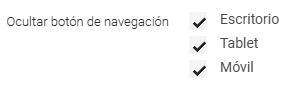
1. A fixed navigation button has been added to the website which, once the user has scrolled, allows them to automatically return to the top of the page when clicked.
This feature is enabled by default on all websites and can be disabled per device through a new field available in the Website Configuration App called “Hide navigation button”.
2. The following features have been added to the Blog:
- In the news listing component, a clickable “Read more” button has been added that redirects to the news article page. This button can be edited via an HTML field.
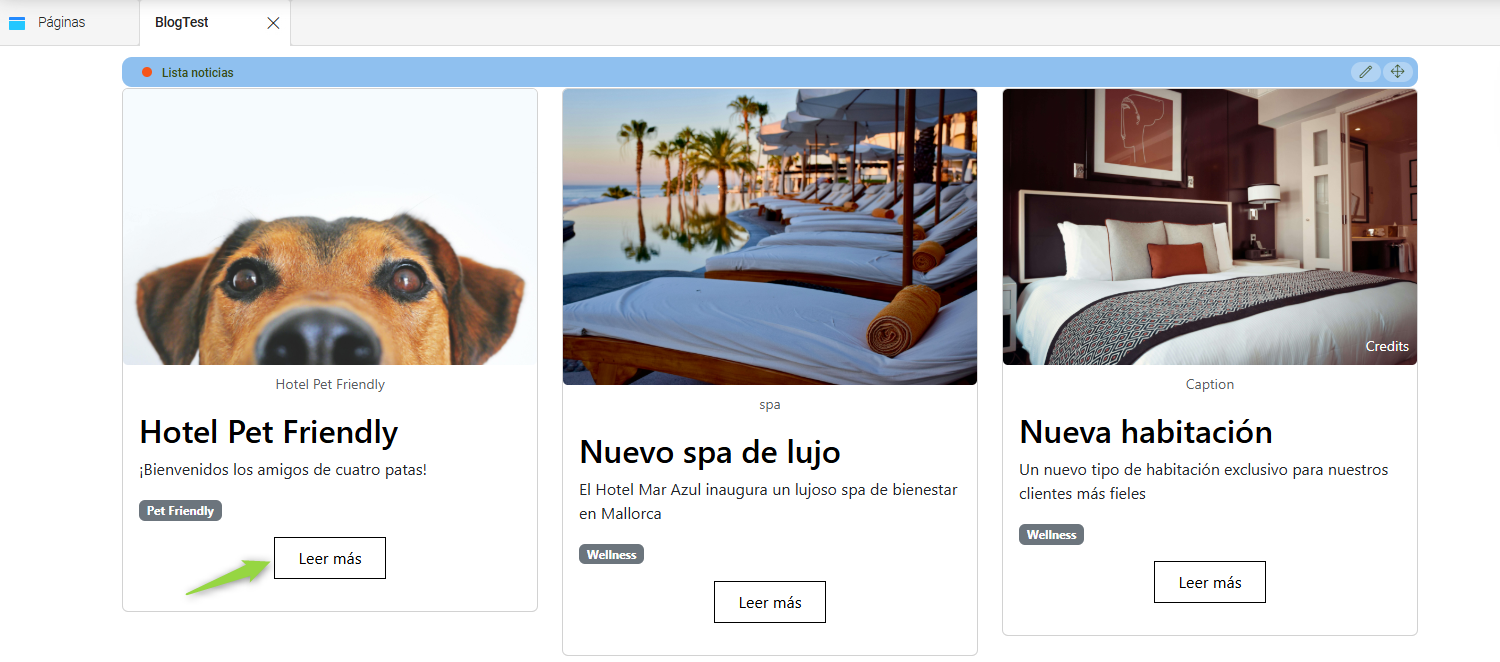
- The news listing component has been updated so that only the image, title, and “Read more” button are clickable.
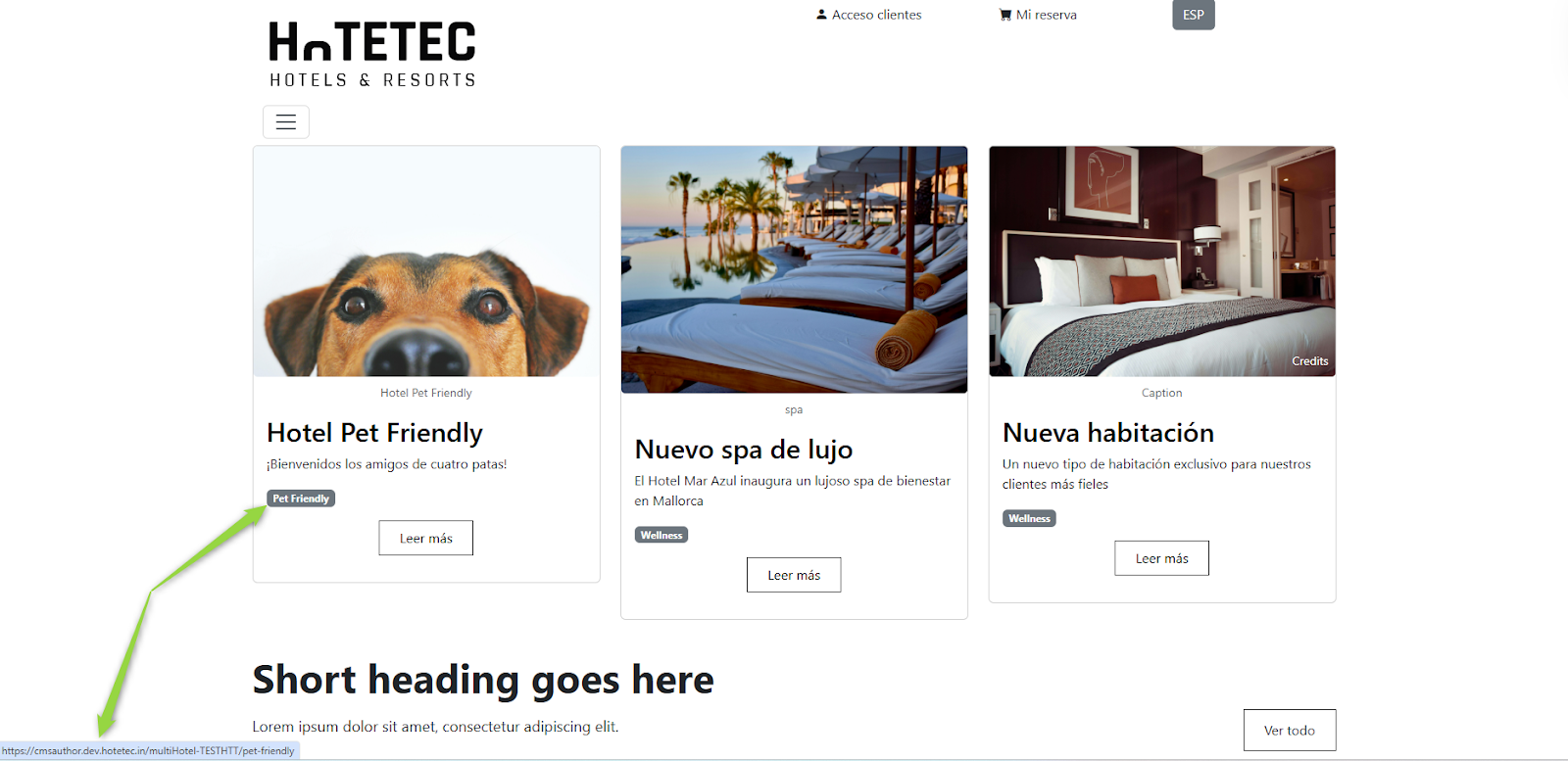
- In the Categories App, a URL can now be added in the category settings. When a news article has an associated category, clicking on the category tag will redirect to the URL configured in the App.
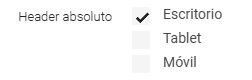
3. A new feature has been added to allow the header to be configured as absolute (position="absolute"). To enable this, a new configuration field has been added to the Website Configuration App, allowing it to be activated per device.
4. The following adjustments have been made to the layouts:
In the FAQ layout, new fields have been added: title 2, text 2, and action button.
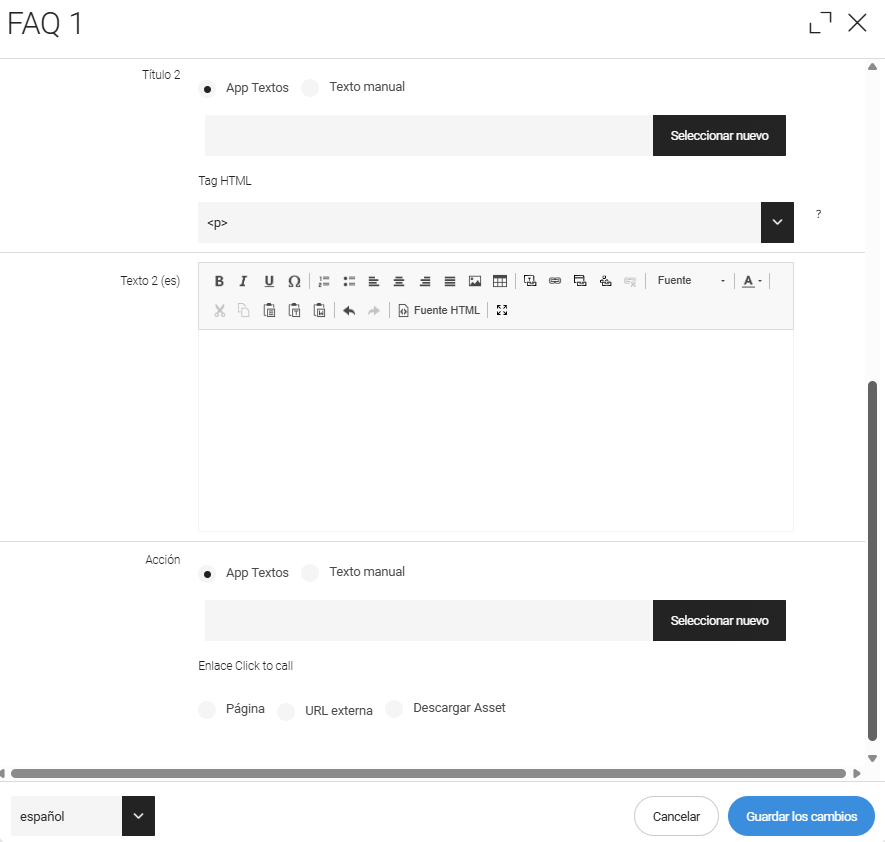
Additionally, the preview images have been updated to reflect the newly added fields.
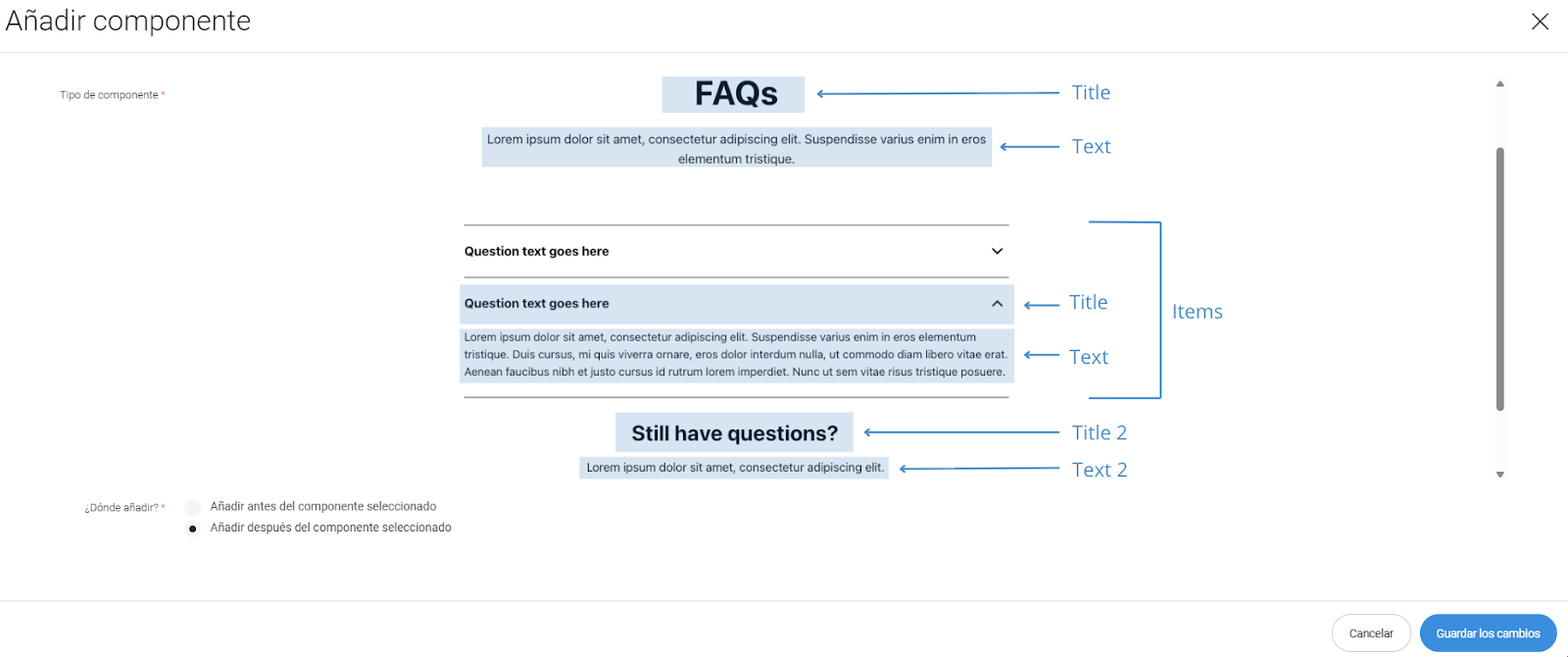
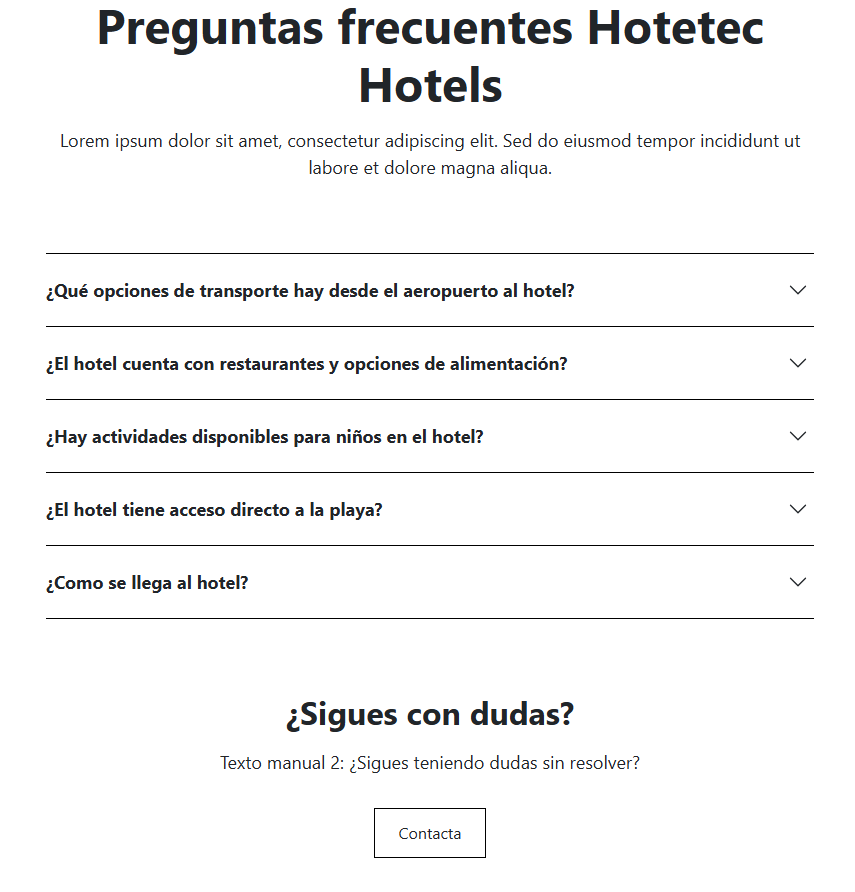
Finally, pixel-perfect alignment has been reviewed to ensure that the component design is identical to the Relume component.
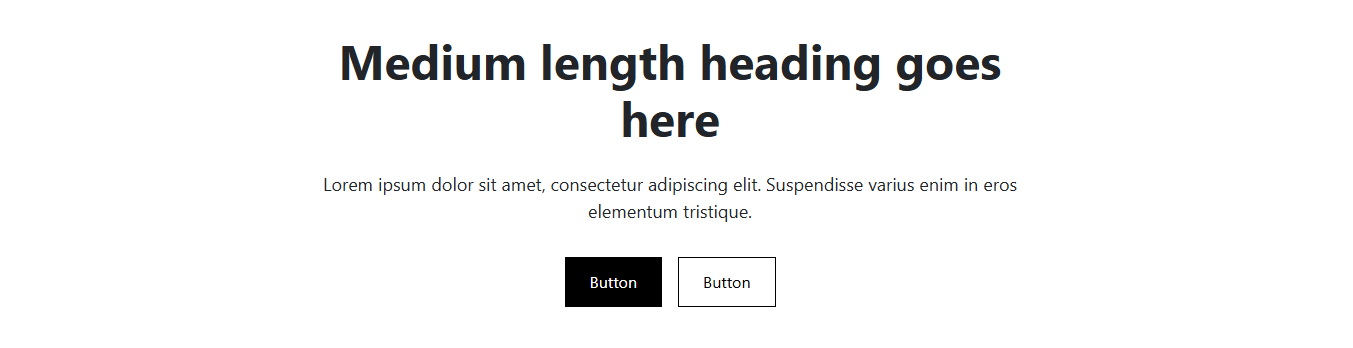
For the CTA layout, pixel-perfect alignment has been reviewed to ensure that the component design is identical to the Relume component.
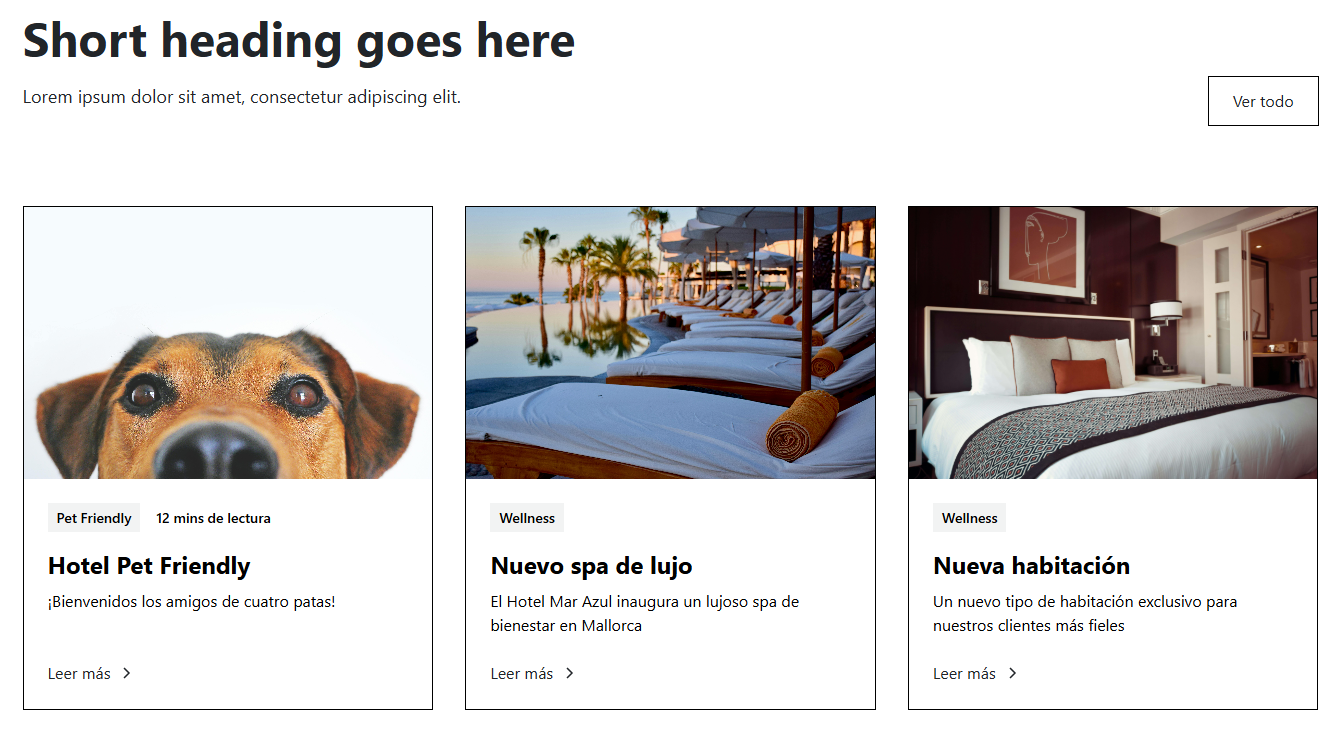
For the Blog layout, pixel-perfect alignment has been reviewed to ensure that the component design is identical to the Relume component.
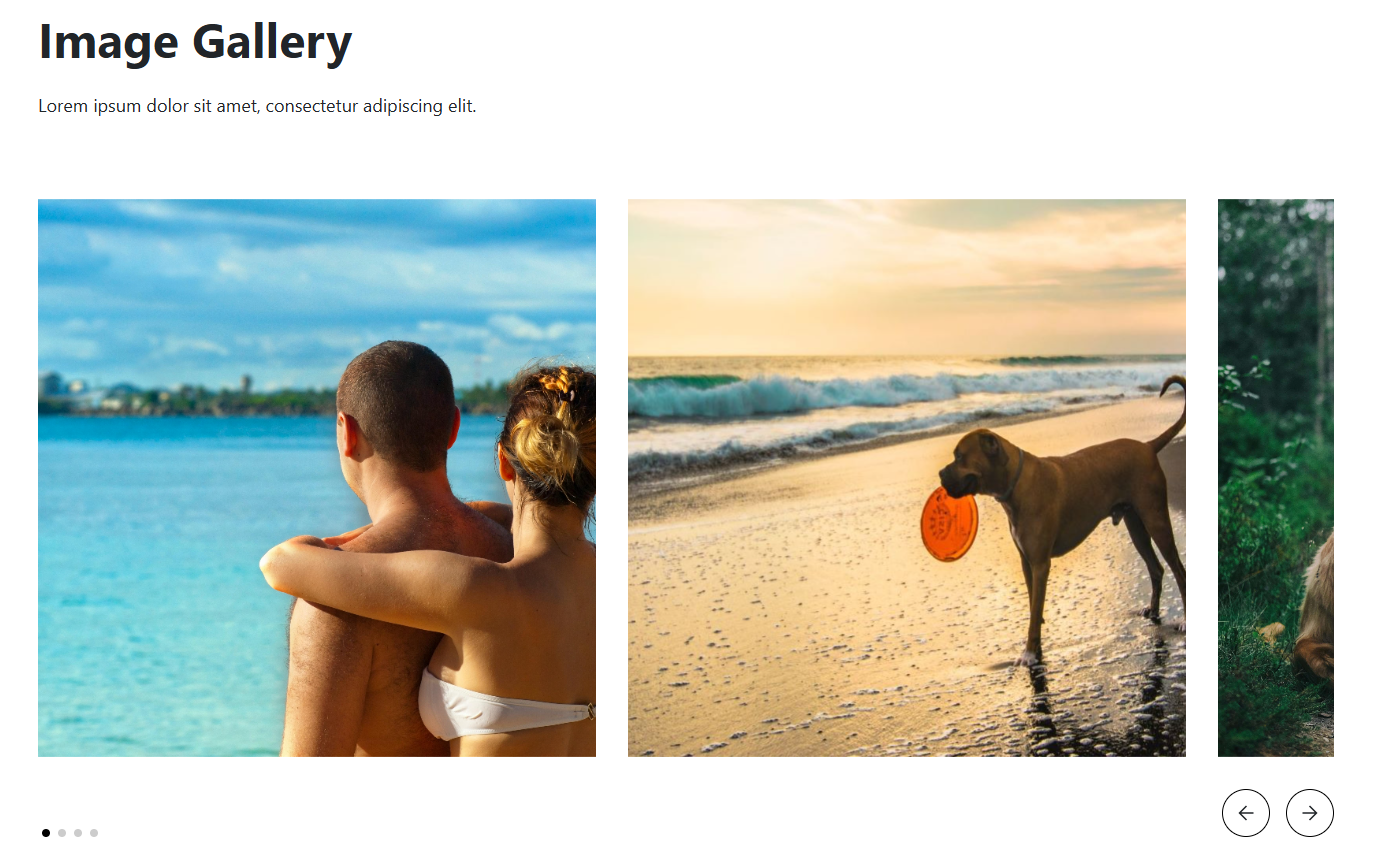
For the Gallery layout, pixel-perfect alignment has been reviewed to ensure that the component design is identical to the Relume component.
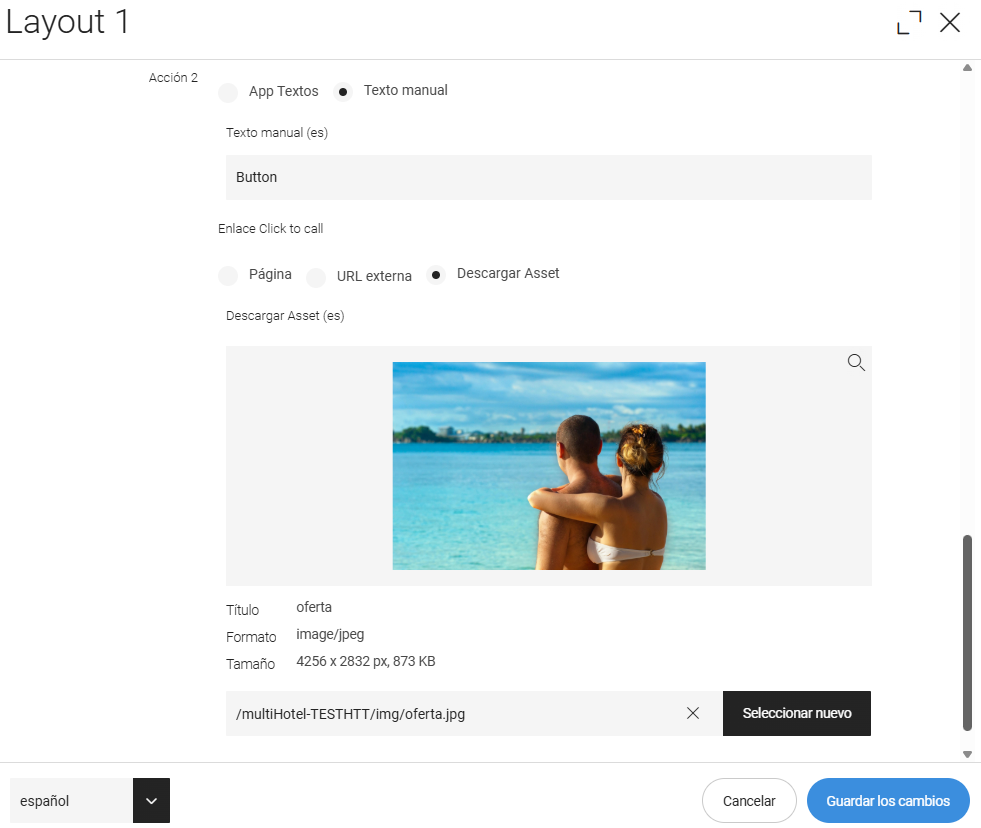
For Layout 1, a second action button has been added. In addition, pixel-perfect alignment has been reviewed to ensure that the component design is identical to the Relume component.
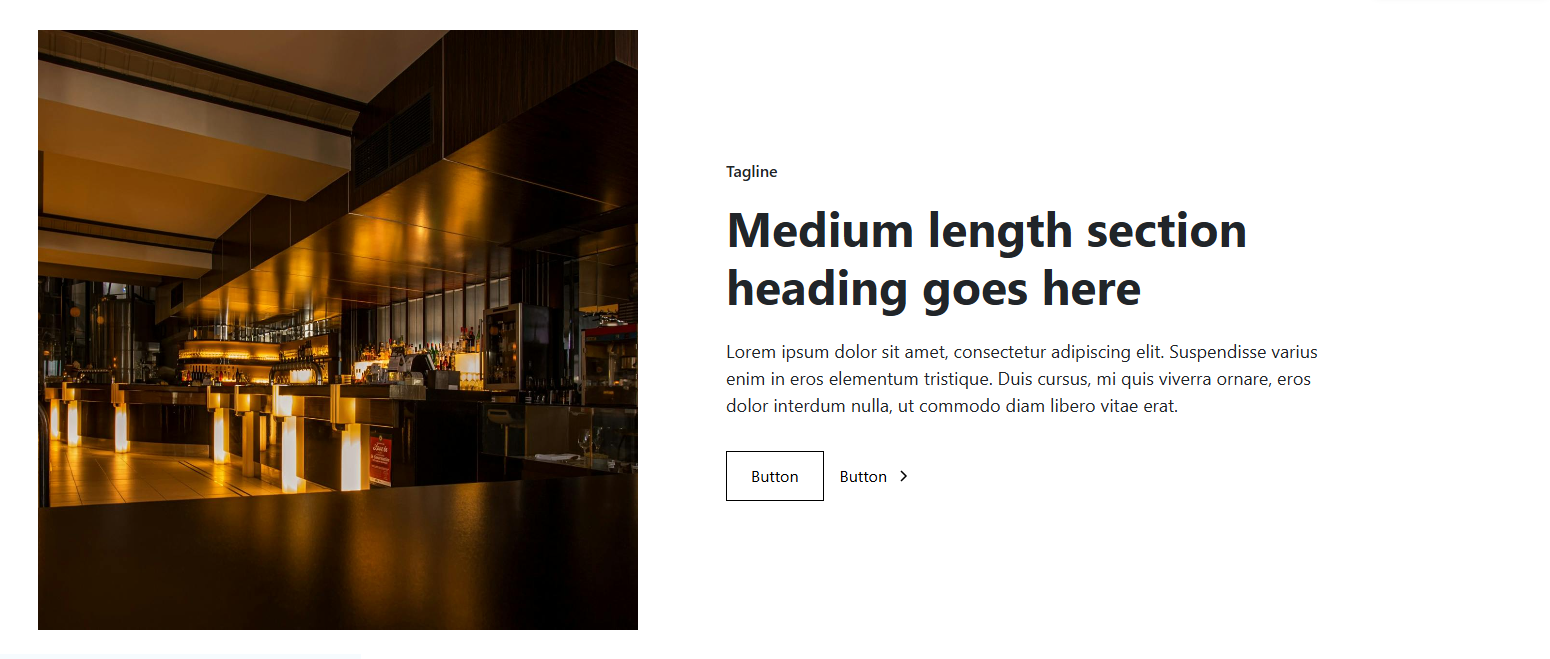
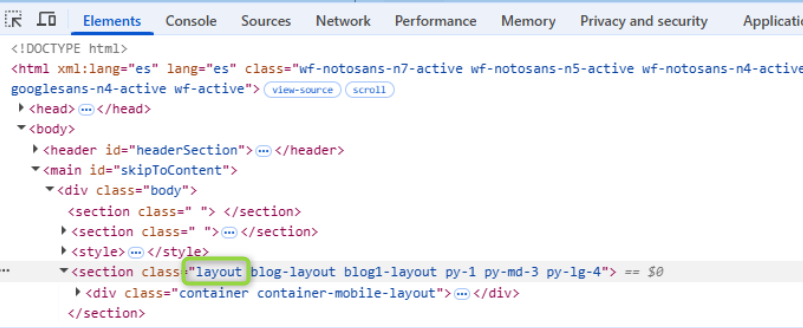
5. A generic “layout” class has been added to Layout-type components, allowing them to be excluded via CSS if necessary.
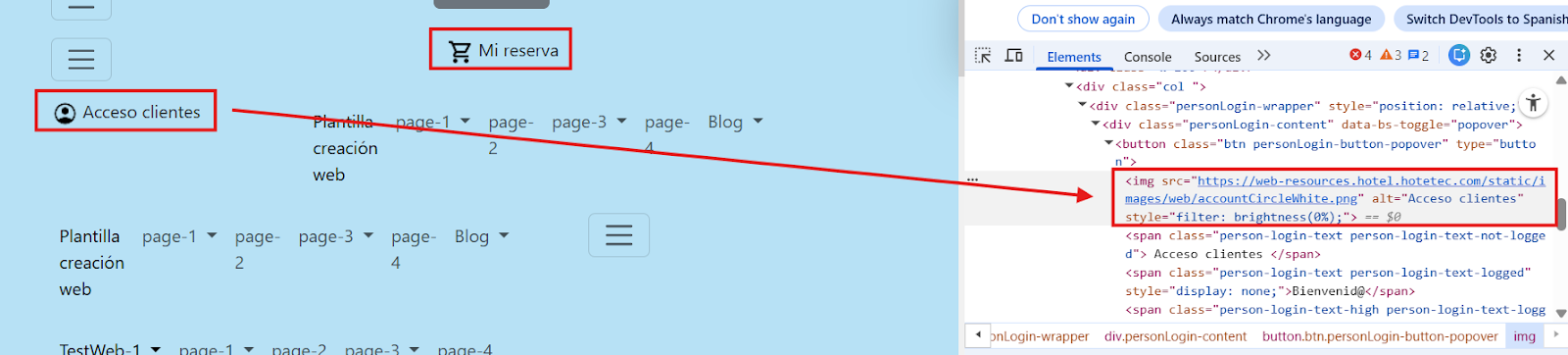
6. In order to improve the accessibility of the Login and My Booking components, aria-labels have been removed from the buttons, and icons previously loaded using <span> elements have been replaced with <img> elements that include the alt attribute.